KallebyAppmakeKeeps your work private
Your work stays yours
Kalle by Appmake never trains on your projects. Your prompts, code and data are private by default, and you decide who can see them.
0customer projects used for training
Privateby default
Rolesper workspace and project
Deleteany time, for good
Example figures
KallebyAppmake
See what stays private
Choose who is looking, and the vault shows what they can see.
Who is looking?Playing · click to take over
Your workspace6 of 6 visible
Stored in the EUEncrypted in transit and at restGDPR data processing agreementDeleted within 30 days on requestKalle Browser never sees passwords
KallebyAppmake
How it works
- 01You buildPrompts, code and data stay in your workspace.
- 02You shareInvite people with the access they need, and no more.
- 03You decideExport, move or delete your work whenever you like.
KallebyAppmake
Privacy you do not have to ask for
The same rules apply on every plan, from Pro to Enterprise.
Never used for trainingYour prompts, code and data are never used to train Kalle.
Private by defaultProjects are visible only to you until you share them.
You decide who sees itRoles and access per workspace and project.
Delete means deletedRemove a project and its data is gone.
KallebyAppmake
Built in, not bolted on
Never used for trainingYour work is never used to train Kalle.
Private by defaultNothing is public until you share it.
Roles and accessOwner, editor and viewer, per project.
Delete for goodRemove a project and its data is gone.
Own your codeExport it or sync it to your own GitHub.
Asks before actingKalle Browser asks before it pays, sends or deletes.
KallebyAppmake
4 live sitesBuilt with Kalle by Appmake
Real products, live today.
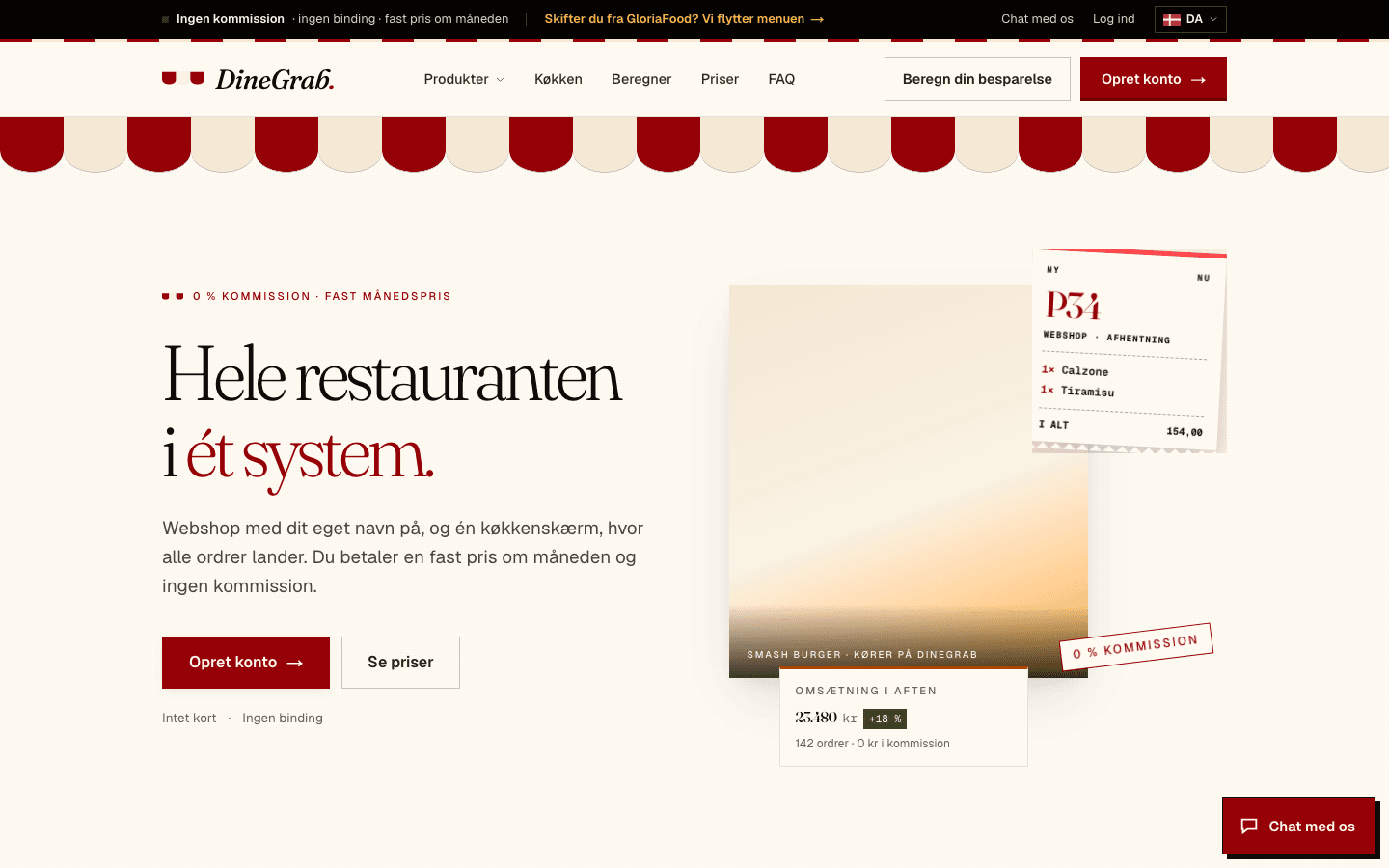
DineGrab.Live
Danish restaurant platform: webshop, kitchen display and admindinegrab.com(opens in a new tab)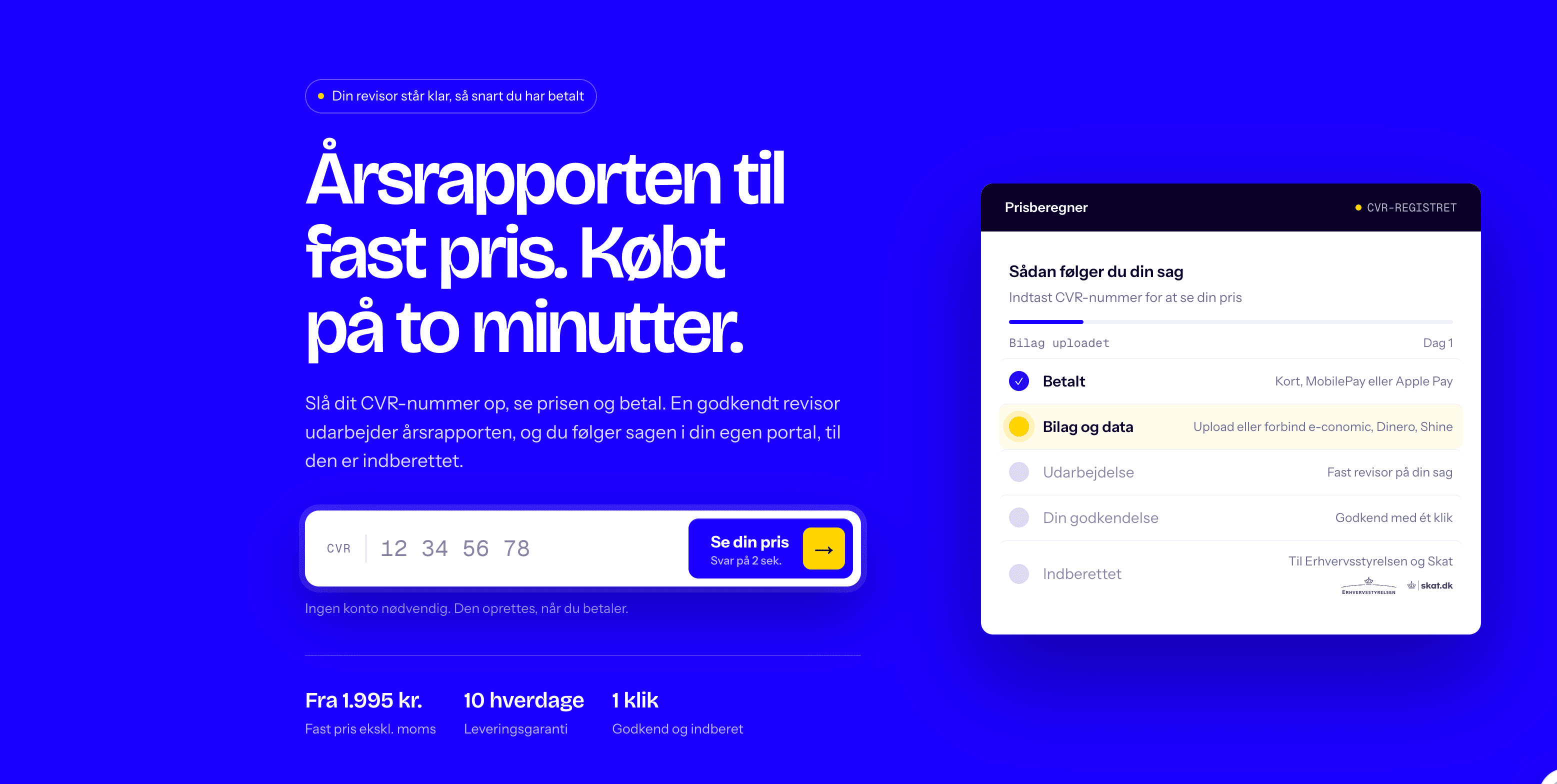
 Live

TrustSaysLive
Reviews you can trust, in 22 countriestrustsays.com(opens in a new tab)
 Live
KallebyAppmake
Questions about Keeps your work private
No. Customer projects are never used for training.
Only you, until you invite others.
Yes. Export your code and data at any time.
Build privately with Kalle
Included on every Appmake plan. Kalle by Appmake never trains on your projects.